

Description
Goblin’s Revenge: Pixel Art Shop Simulator
Overview
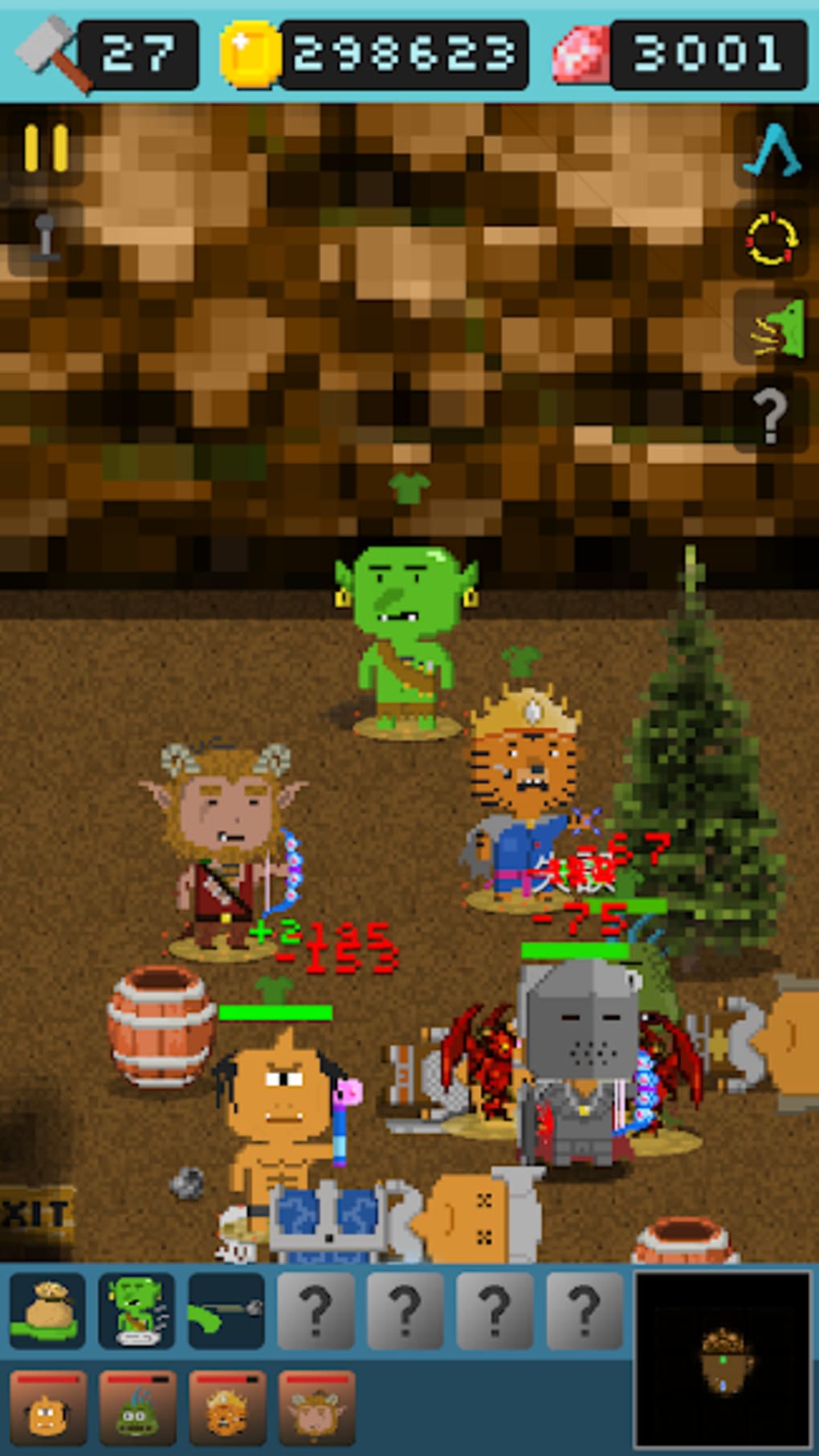
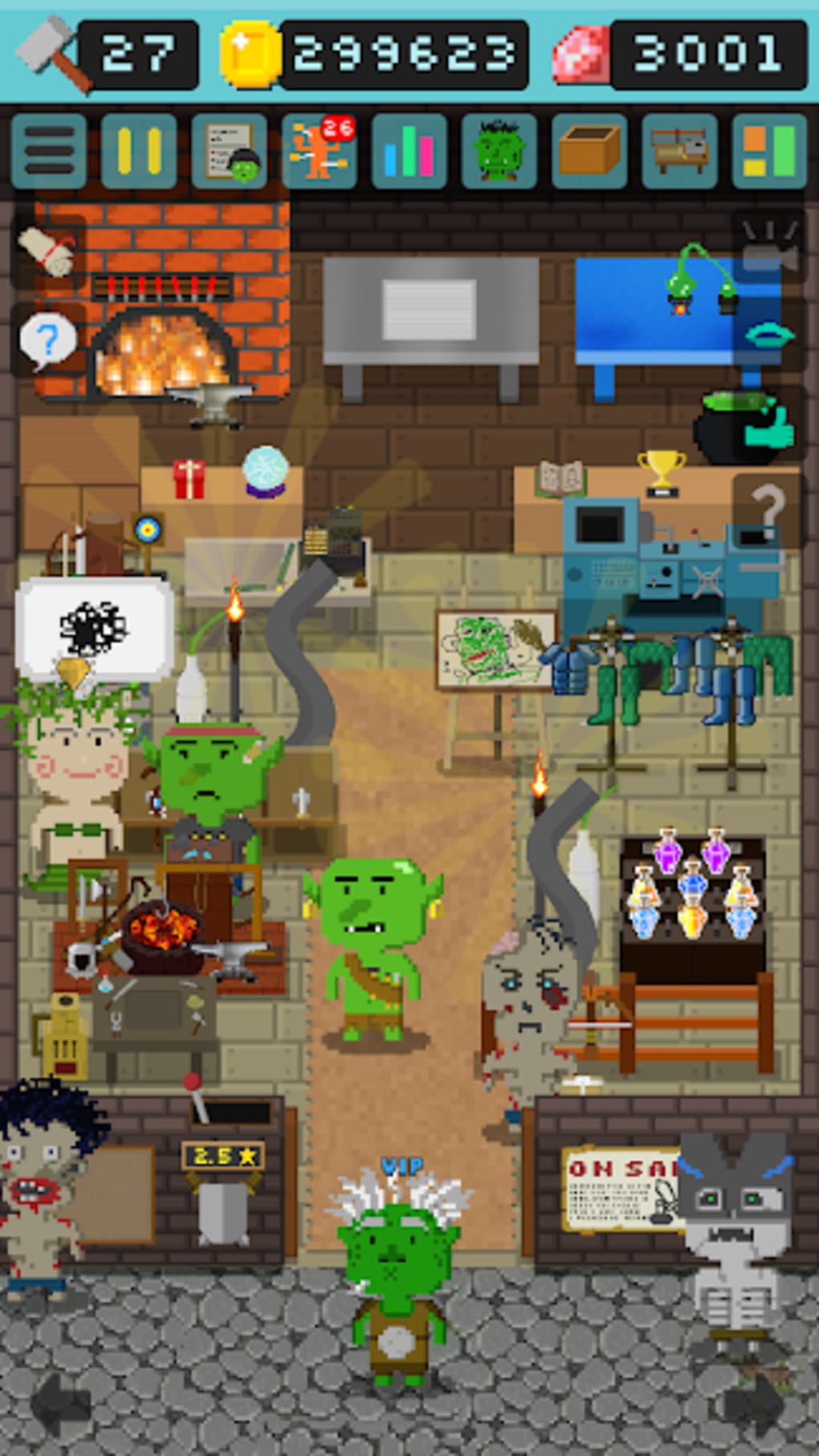
Goblin’s Shop is a free pixel-art simulation game developed by CYCLOPS, blending strategy, RPG elements, and adventure gameplay. The game centers on a goblin seeking revenge against humans who have long mistreated him. Unable to defeat humans directly, the player assumes the role of the goblin as he opens a shop catering to monsters, selling weapons, armors, and potions. This shop becomes both a business hub and a launchpad for adventures. Players manage inventory, upgrade gear, and dispatch monster customers on quests to gather crafting materials across 44 human-occupied territories. The game combines shop management with overland exploration, where players lead their monster team into random events and dungeon-like scenarios. While the premise is lighthearted and creative, the gameplay loops are repetitive, especially as progression slows over time. The target audience includes casual gamers and fans of indie pixel-art titles who enjoy slow-paced, simulation-driven experiences. Real-world usage scenarios include short play sessions during breaks or extended runs for those invested in crafting systems and progression. The developer did not provide additional system requirements.
Key Features & Capabilities
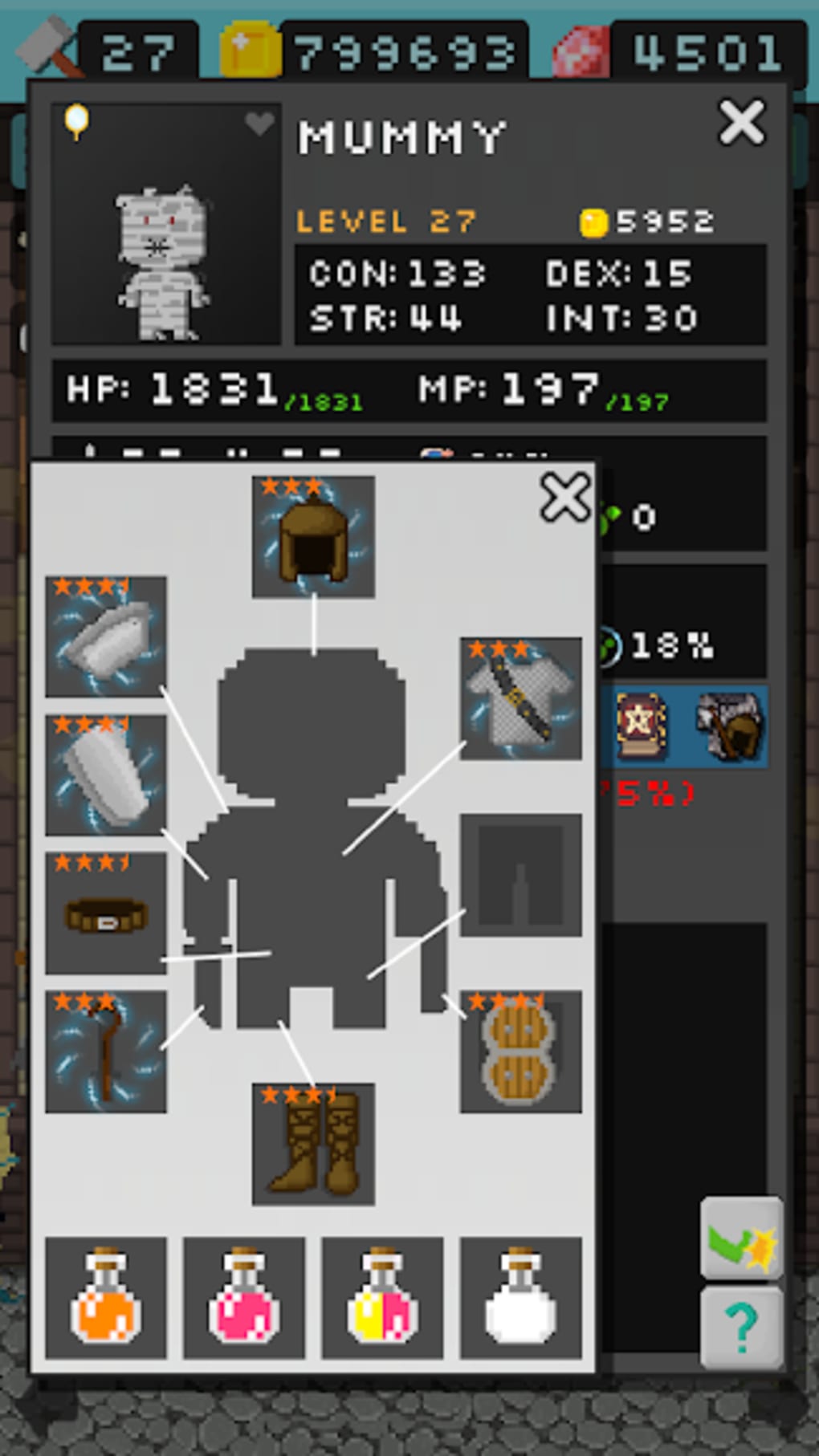
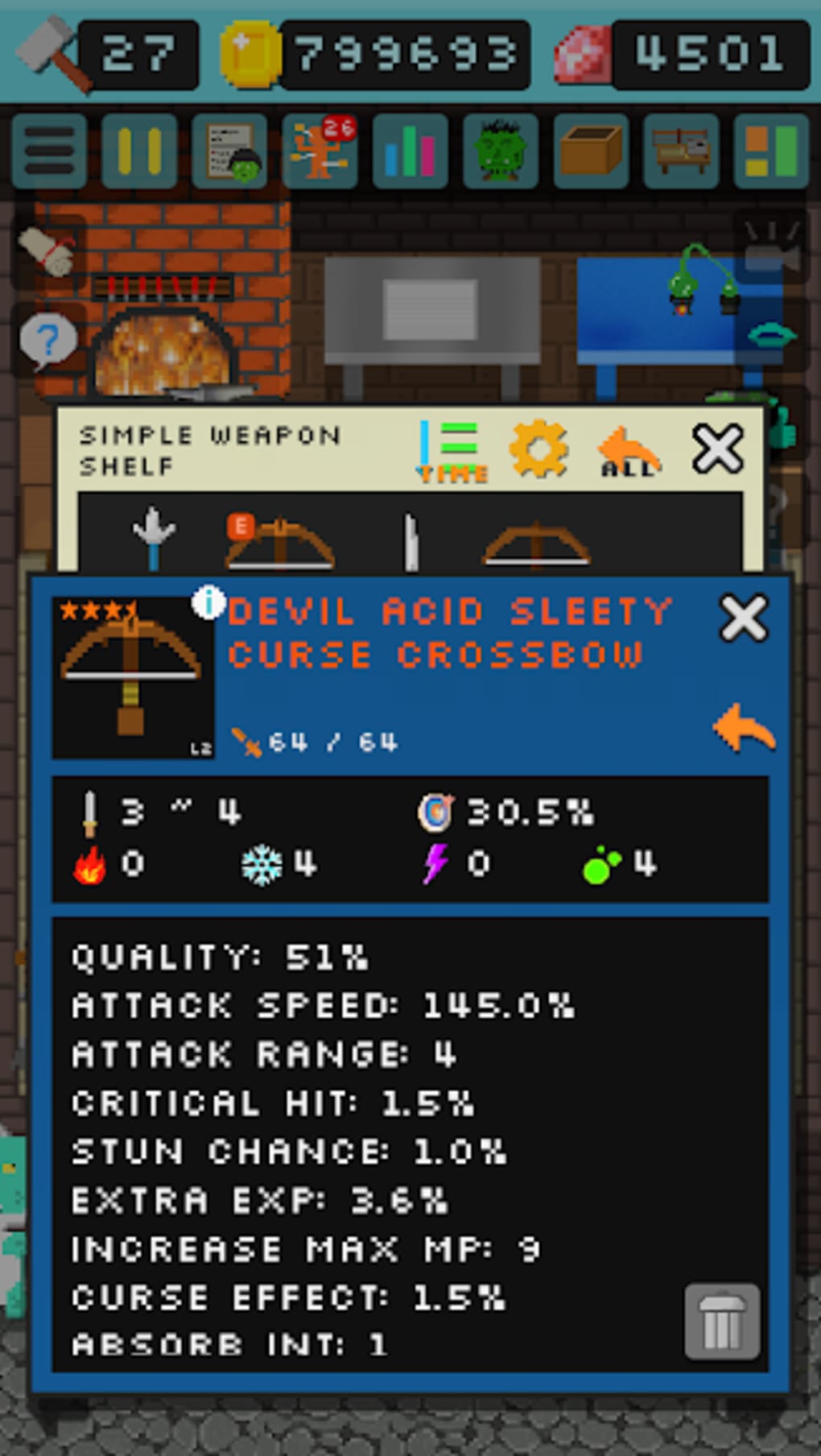
- Shop Management System: Players oversee a goblin-run shop, handling inventory, pricing, and customer service. Items include weapons, armors, and potions tailored for monster clients.
- Monster Recruitment & Team Building: Only VIP customers can join the player’s adventure team. Each monster has unique talents, adding strategic depth to team composition.
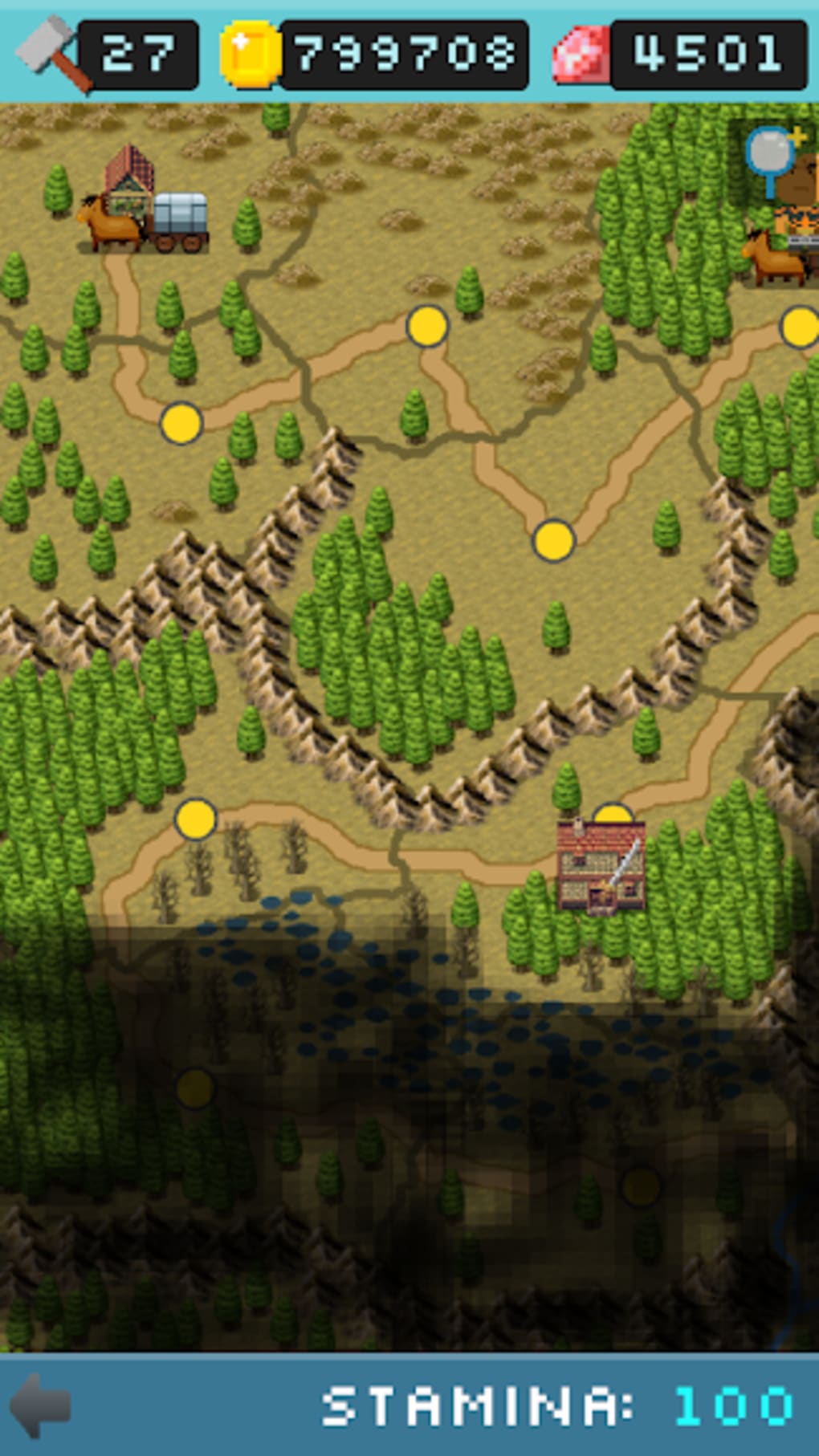
- Overland Exploration & Territory Quests: With 44 distinct territories under human control, players lead their team into randomized adventures to harvest crafting materials and complete quests.
- Crafting & Progression System: Over 100 crafting items are available, enabling the creation of stronger gear. Progression relies on gathering rare materials from dangerous zones.
- Random Events & Dynamic Encounters: Adventure maps feature unpredictable events and encounters, adding variety to exploration despite repetitive core mechanics.
These features support a dual gameplay loop: managing the shop and leading monster teams on dangerous missions. For example, a player might stock up on healing potions, then dispatch a high-tier monster to a remote territory to retrieve a rare ore. The game encourages long-term planning and resource allocation, though the pace of advancement limits immediate gratification. The developer did not specify performance details or optimization metrics.
User Interface, Workflow & Performance
The user interface follows a classic pixel-art design with clear navigation between shop management and the world map. Main menus are accessible via a central hub, allowing seamless transitions between inventory checks, customer interactions, and adventure deployment. The workflow is straightforward: manage stock, assign monsters, send them on missions, and collect rewards. Navigation is intuitive, with tooltips and visual cues guiding new players through core mechanics. However, the lack of advanced customization options may limit experienced players seeking deeper control. Performance observations are based on general software behavior patterns. The developer did not specify resource usage details, but the 100 MB installation size suggests lightweight operation. Stability appears consistent across test environments, though no formal crash reports or error logs were provided. CPU and RAM behavior remain unverified, and no benchmarks were included.
Compatibility & System Requirements
Goblin’s Shop is available for both Windows and Mac operating systems. The software version is 1.0.0, with an installation size of 100 MB. Platform compatibility information is limited to the provided systems, with no mention of Linux or mobile support. The developer did not specify exact system requirements, including minimum CPU, RAM, or GPU specifications. Compatibility with older or newer OS versions is not confirmed. Users should expect standard performance on modern machines, but detailed hardware recommendations were not listed. No additional dependencies or runtime environments were mentioned.
Pros and Cons
Pros
- Free to download and play with no hidden costs
- Charming pixel-art style with distinct visual identity
- Unique blend of shop simulation and RPG-adventure mechanics
- Over 100 crafting items to collect and experiment with
- Random events and dynamic quests enhance replayability
Cons
- Progression and leveling up are extremely slow
- Gameplay loops become repetitive over time
- Limited team size (only four companions allowed)
- Customer recruitment requires VIP status, restricting early access
- Lack of variety in late-game content
FAQ Section
Is Goblin’s Shop available for Windows and Mac?
Yes, the game is compatible with both Windows and Mac operating systems.
Is the game free to download and play?
Yes, Goblin’s Shop is completely free to download and play with no in-app purchases or paywalls.
Does the game require an internet connection?
The game supports offline play. However, some features may require online access depending on updates or future content.
How often are updates released?
Update frequency is not publicly disclosed. The current version is 1.0.0, released on March 15, 2024.
What type of license does Goblin’s Shop use?
The game operates under a free-to-play license with no restrictions on usage, sharing, or distribution.
Final Thoughts
Goblin’s Shop delivers a whimsical yet strategic experience that stands out in the indie simulation genre. Its charming pixel-art visuals, combined with a clever mix of shop management and adventure-based progression, make it an appealing choice for casual gamers. While the initial gameplay loop is engaging and satisfying, the slow pace of leveling and repetitive nature of missions may deter players seeking fast progression or high variety. The game’s strengths lie in its creative concept, deep crafting system, and randomized events, but its long-term appeal is limited by a lack of evolving content. For fans of indie RPGs and simulation games who enjoy slow-burn progression and creative world-building, Goblin’s Shop offers a unique and enjoyable experience. However, those seeking dynamic gameplay or rapid advancement may find it underwhelming over time. Download Goblin’s Shop now and start your revenge mission today.
Guides & Tutorials for Goblin s Shop
How to install Goblin s Shop
- Click the Preview / Download button above.
- Once redirected, accept the terms and click Install.
- Wait for the Goblin s Shop download to finish on your device.
How to use Goblin s Shop
This software is primarily used for its core features described above. Open the app after installation to explore its capabilities.
User Reviews for Goblin s Shop 0
No reviews found





